Set up Apple TV from your iPhone
Scan the code on the TV and type the address on your phone. It goes straight to the Apple TV over your home network.

Guidevi
A native player and TV guide for iPhone, iPad and Apple TV. Bring the M3U, Xtream and XMLTV sources you already have.

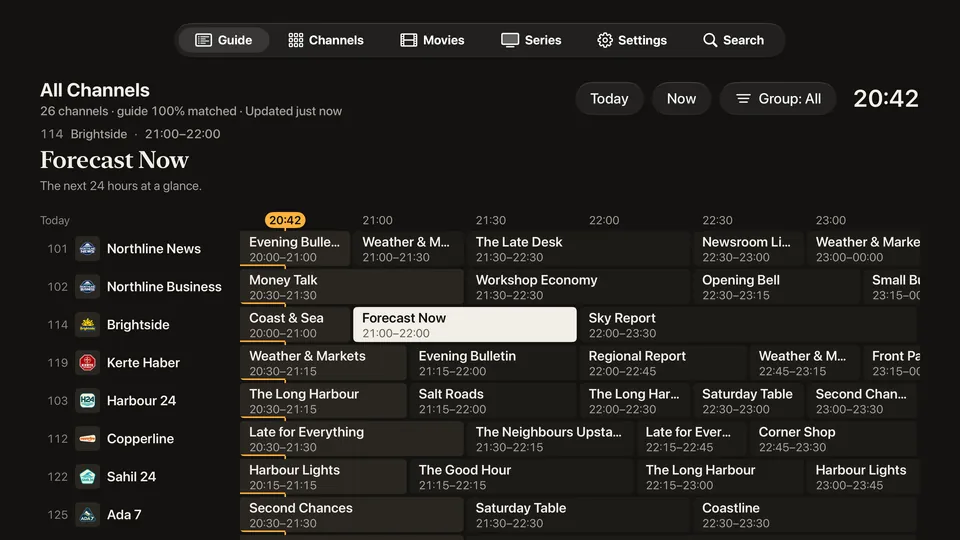
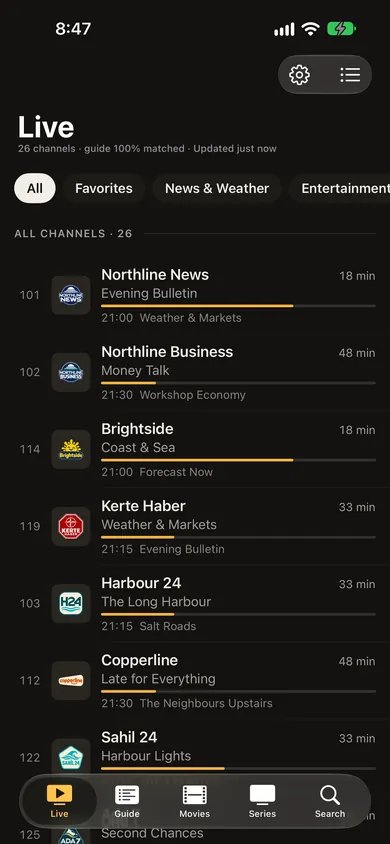
Channels and programmes shown are fictional. Guidevi ships with none.
Guidevi brings no channels of its own. Add the subscription, home server or antenna tuner you already have, and read it like a TV guide.
Apple TV
The grid is pinned to the clock, so “now” is always where you look. The guide follows you into the player, and the app can open straight on your last channel.
A grid that reads like a departure board: channel numbers in a fixed column, an amber line for now.
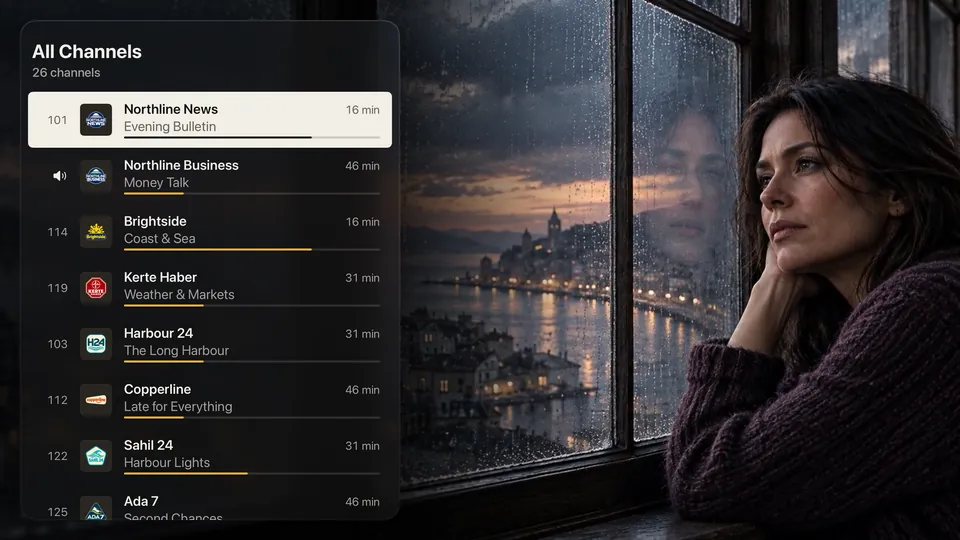
See what’s on elsewhere without leaving what you’re watching, and switch from the list.
If you want it to, Guidevi opens straight on the last channel you watched.
Steady and transparent
When a channel won’t play, Guidevi says what it found: an expired subscription, a full connection limit, a server that isn’t answering, an unsupported format. If one playback engine can’t open a stream, the other can take over.

Under 2 s
to import a 100 MB guide on iPhone 12 Pro.1
2
playback engines. If one can’t open a stream, the other can take over.
228 channels · guide 96% matched · updated 12 min ago
Guide health is always on screen: how well the guide matches your channels, and when it refreshes next.
Scan the code on the TV and type the address on your phone. It goes straight to the Apple TV over your home network.
With Premium, sources, favourites and progress follow you between iPhone and iPad. Passwords use end-to-end encrypted fields.
Free for everyone. Sources, favourites and progress in a single file you keep.
Resolution, codec, bitrate and the engine in use, one press away.
Hide groups, and keep adult groups behind a PIN that never leaves the device.
Larger text sizes on iPhone, strong contrast, light and dark appearance.
The app, support and this site, in both languages.
Privacy
That’s the label on the App Store, and the short version of our policy. Guidevi has no server of its own, no analytics, no advertising code.
No ads.
Not in the free version, not ever.
No tracking.
Your sources and passwords stay on your devices and in your own iCloud.
No account.
Nothing to sign up for. This website sets no cookies either.
Fair pricing
Everything you need to watch is free, without ads or watermarks. Premium adds what heavy users ask for.
Monthly, yearly or lifetime. One purchase covers iPhone, iPad and Apple TV, with Family Sharing. Prices are shown in the App Store for your region.

One app, one purchase. Requires iOS 26 or iPadOS 26, or tvOS 27.

No. Guidevi contains no channels, playlists or streams, and recommends none. You add an M3U or Xtream source and an XMLTV guide you have the right to use.
An M3U or M3U8 link, an Xtream account, an M3U file from the Files app, or a home server or antenna tuner that serves M3U and XMLTV.
No. There is no Guidevi account. Premium uses your Apple Account, and iCloud sync uses your own iCloud.
Watching is free with one source, without ads. Premium adds unlimited sources, the whole guide window, iCloud sync and group sorting.
Choose “Add from iPhone”, scan the code with your phone and type the address there. Both devices must be on the same home network.
Guidevi shows the likely cause on screen. The support page lists what to try, and how to send a diagnostics log.